musicbmp
Every pixel is a sample. Every image is a song.
The Alchemy of Sound & Sight
"Music is the space between the notes."
— Claude Debussy
We fill that space with pixels.
Audio is invisible architecture
A waveform has no color, yet it contains every shade of emotion. What if we could see the texture of a guitar riff? The grain of a vocal breath? The geometry of a drum hit?
Pixels become resonance
By translating audio samples directly into pixels — no lossy transformation, no spectrogram abstraction — every 24-bit sample becomes a point of light. The image is the sound.
Visual audio processing
Apply Photoshop to a song. Blend two tracks with layer masks. Pixel-sort a drum loop. The image is the signal path.
The Journey of a Sample
▶ Encoding
Audio samples are decoded to 24-bit integer, packed into BGR pixels, and laid out in a BMP image. Sample rate and bit depth are whispered into DIB header fields that no image viewer ever reads.
Decoder
Pixels

Each BGR pixel triplet stores one 24-bit audio sample. The image above is Beethoven's 9th — 96 kHz stereo, 3,072×1,680 pixels.
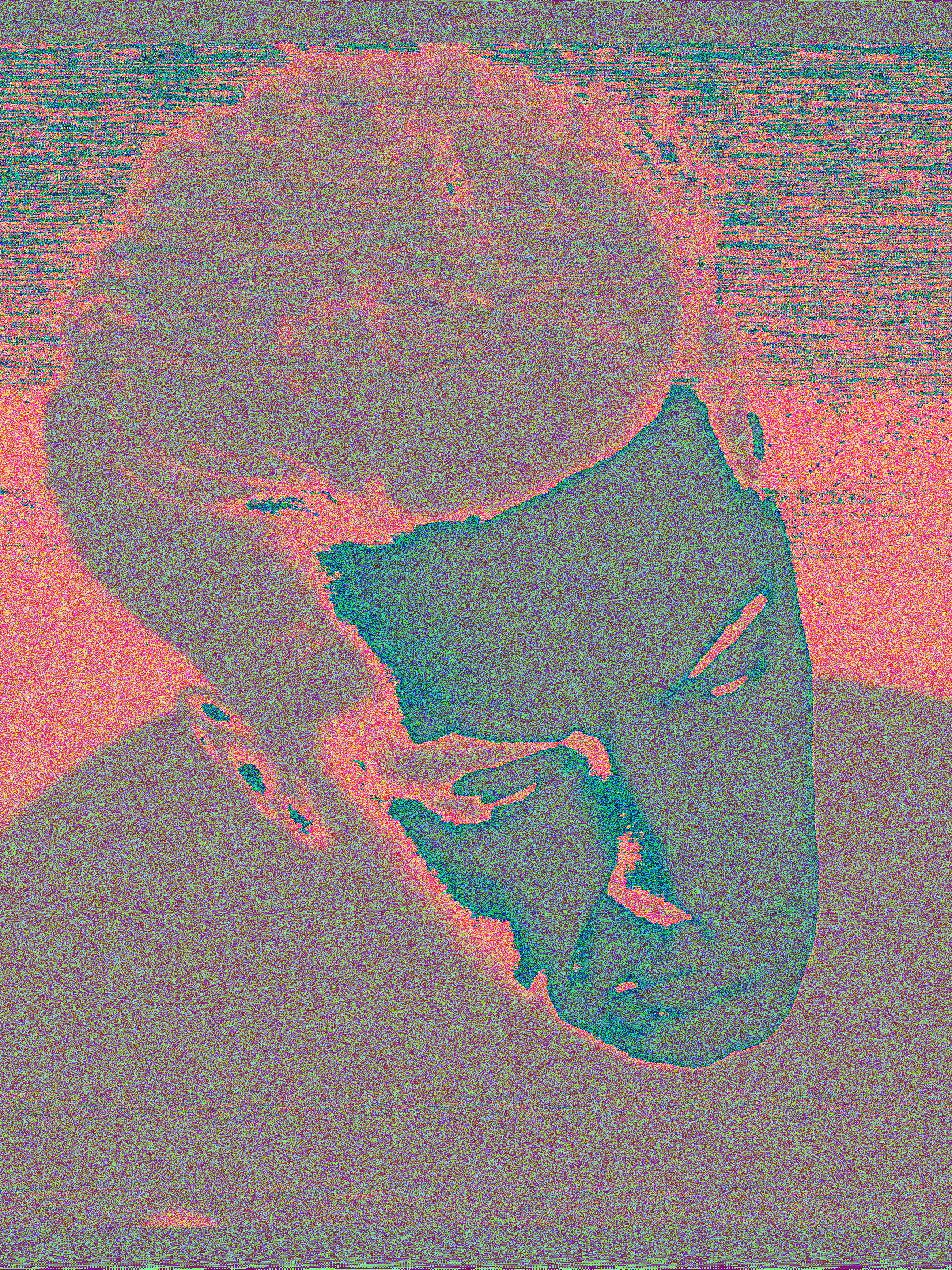
Visually, the encoded BMP appears as dense, colorful static — each pixel's color is a direct sample amplitude:
- Silence → pure black pixels (sample value 0)
- Loud passages → bright, saturated colors
- Stereo → alternating left/right channel columns create a subtle woven texture
- Frequency content → visible as rapid color transitions, with bass appearing as broad bands and treble as fine grain
Audio metadata (sample rate, bit depth, channel count) is embedded in DIB header fields invisible to image viewers.
▦ Masking
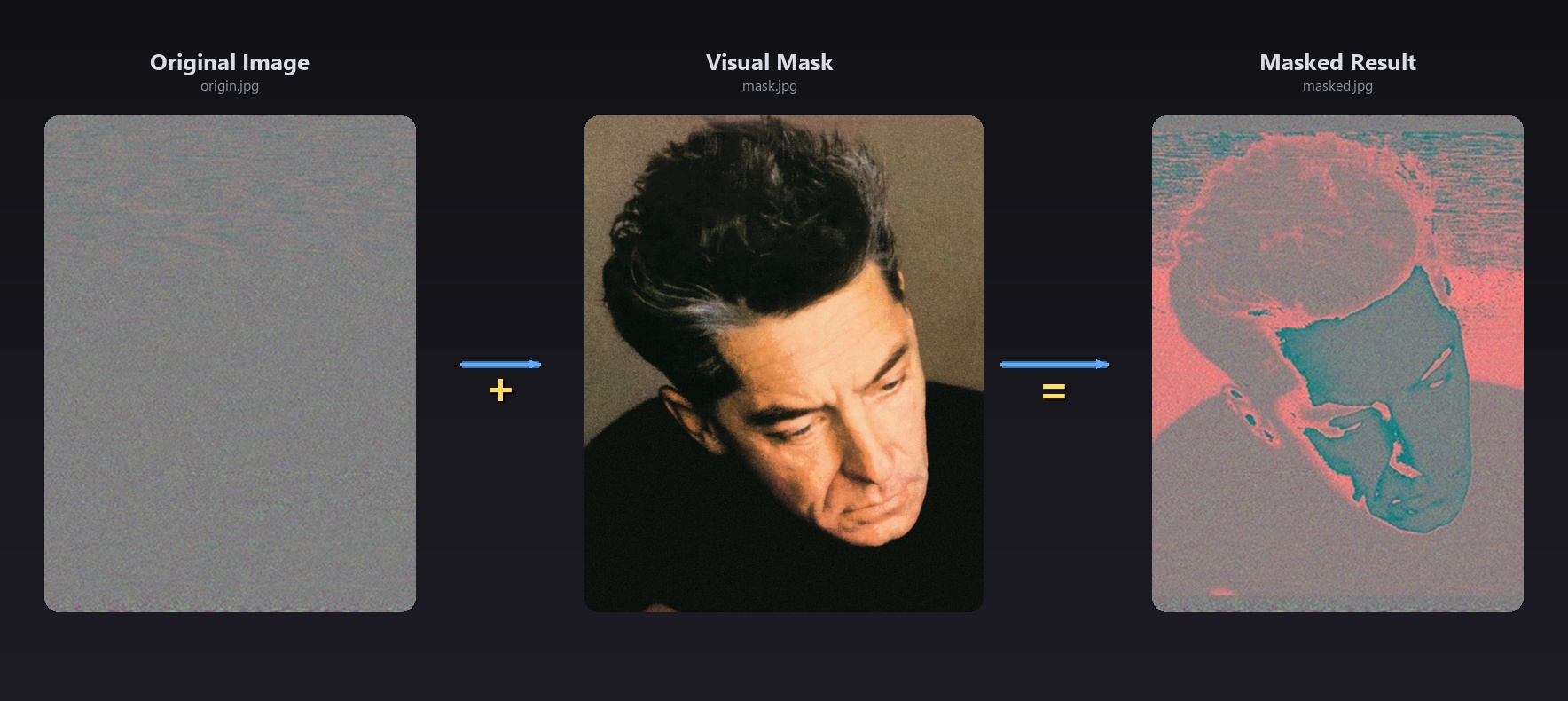
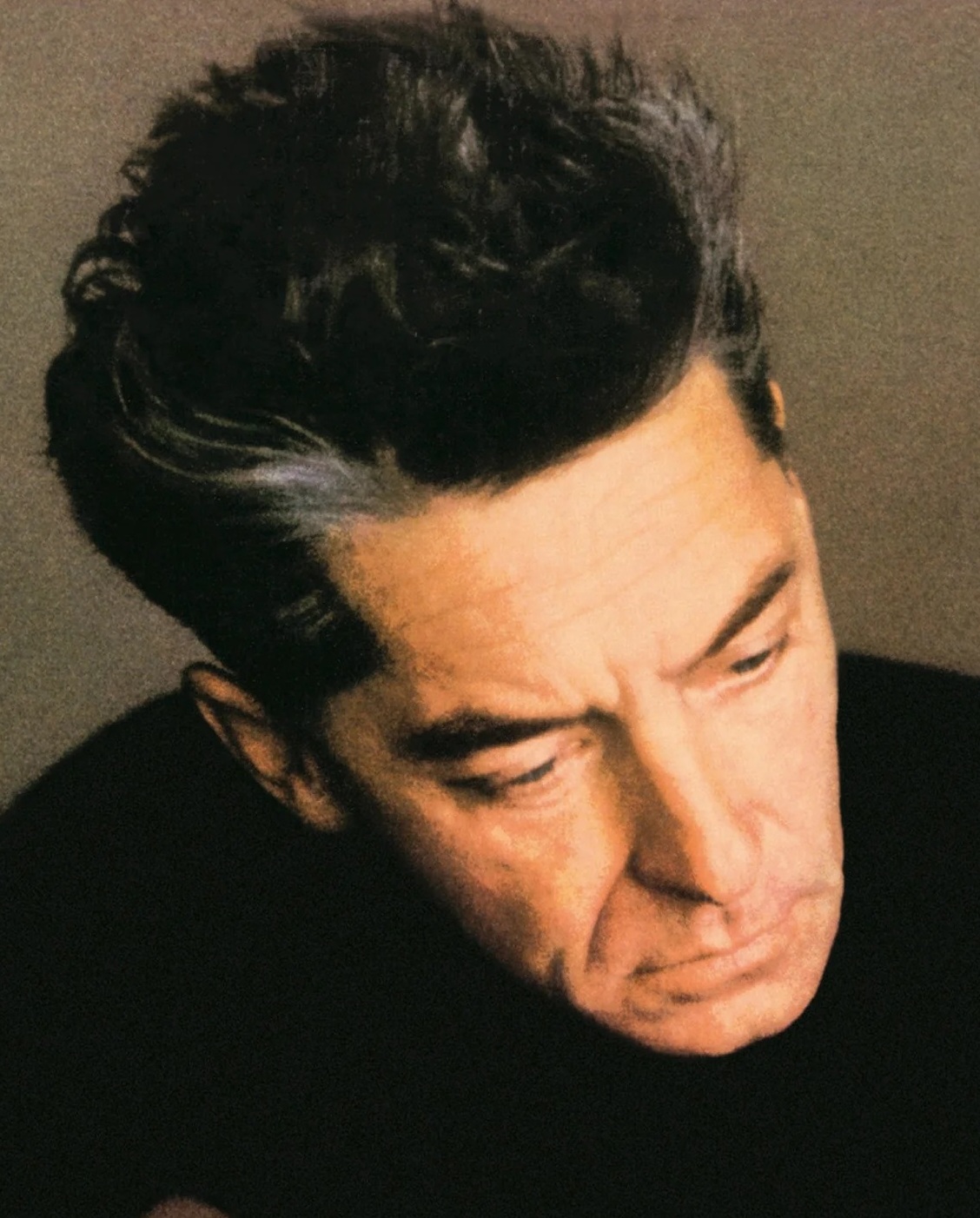
A visual mask becomes an audio filter. The mask image is normalized and multiplied sample-by-sample against the audio BMP — a photograph becomes a gate, a gradient becomes a fade curve, a texture becomes an amplitude modulator.
An encoded BMP, left to its own devices, is merely a canvas of static — beautiful in its chaos, but indifferent to the eye. Masking is the act of composing vision onto vibration. It is the moment a photograph leans in and whispers to a song: let me shape you. Suddenly, the raw pixel-noise of a waveform gains contour, texture, silhouette. A portrait becomes an envelope. A landscape becomes a crossfade. A hand-drawn scribble becomes a tremolo. The mask does not merely filter — it imprints. It grafts a visual narrative onto the fabric of sound, transforming a cold data grid into a collaborative artwork where every pixel pulls double duty: as both color and volume, both image and amplitude, both sight and sound.
◀ Decoding
The decoder reads the whispered metadata from DIB fields, unpacks each BGR triplet back into signed 24-bit audio, and writes a WAV file with the original sample rate and bit depth intact.
Header
Pixels
Hear the Transformation
Excerpt from Beethoven: Symphony No. 9 in D minor, Op. 125 — the legendary 1963 recording by Herbert von Karajan conducting the Berliner Philharmoniker, with Gundula Janowitz, Hilde Rössel-Majdan, Waldemar Kmentt, Walter Berry, and the Wiener Singverein. Recorded at Jesus-Christus-Kirche, Berlin, and released on Deutsche Grammophon. Remastered at 24-bit / 96 kHz, the same resolution preserved throughout this roundtrip.
Sample Files


Roundtrip Proven
BMP Roundtrip
2C86422E
2C86422E
SHA256 identical — mask/unmask is lossless
PCM Data
18d5d4b8
18d5d4b8
Bit-identical PCM data — what was encoded is exactly what was decoded
Verify yourself:
musicbmp verify -a origin.wav -b recovered.wav
Command Line
Encode
musicbmp encode -i song.wav -o song.bmp
Transmute audio into image. Supports --aspect portrait|landscape.
Decode
musicbmp decode -i song.bmp -o restored.wav
Restore image back to audible waveform.
Mask
musicbmp mask -i song.bmp -m mask.jpg -o masked.bmp
Blend visual art into audio space.
Unmask
musicbmp unmask -i masked.bmp -m mask.jpg -o recovered.bmp
Reverse the blend. Recover the original.
Verify
musicbmp verify -a origin.wav -b recovered.wav
Prove the roundtrip. PCM data: bit-identical.
Input formats: WAV · MP3 · FLAC · AAC · Vorbis